Setup
Three steps, about five minutes: create a one-time app password, install the extension, and paste it in.
Everything runs on your machine. The website is only involved when you buy the key.
Before you start
What you need
- Claude Desktop — extensions install into the desktop app.
- A Gmail account with 2-Step Verification turned on (Step 1 covers it).
The extension is self-contained — it runs on what's already inside Claude Desktop.
Step 1 — Create a Google App Password
A throwaway password just for this extension
An App Password lets one app sign in to your Gmail without exposing your real password. You can revoke it anytime, and it can't be used to change your account.
- Turn on 2-Step Verification if it isn't already: myaccount.google.com → Security → 2-Step Verification.
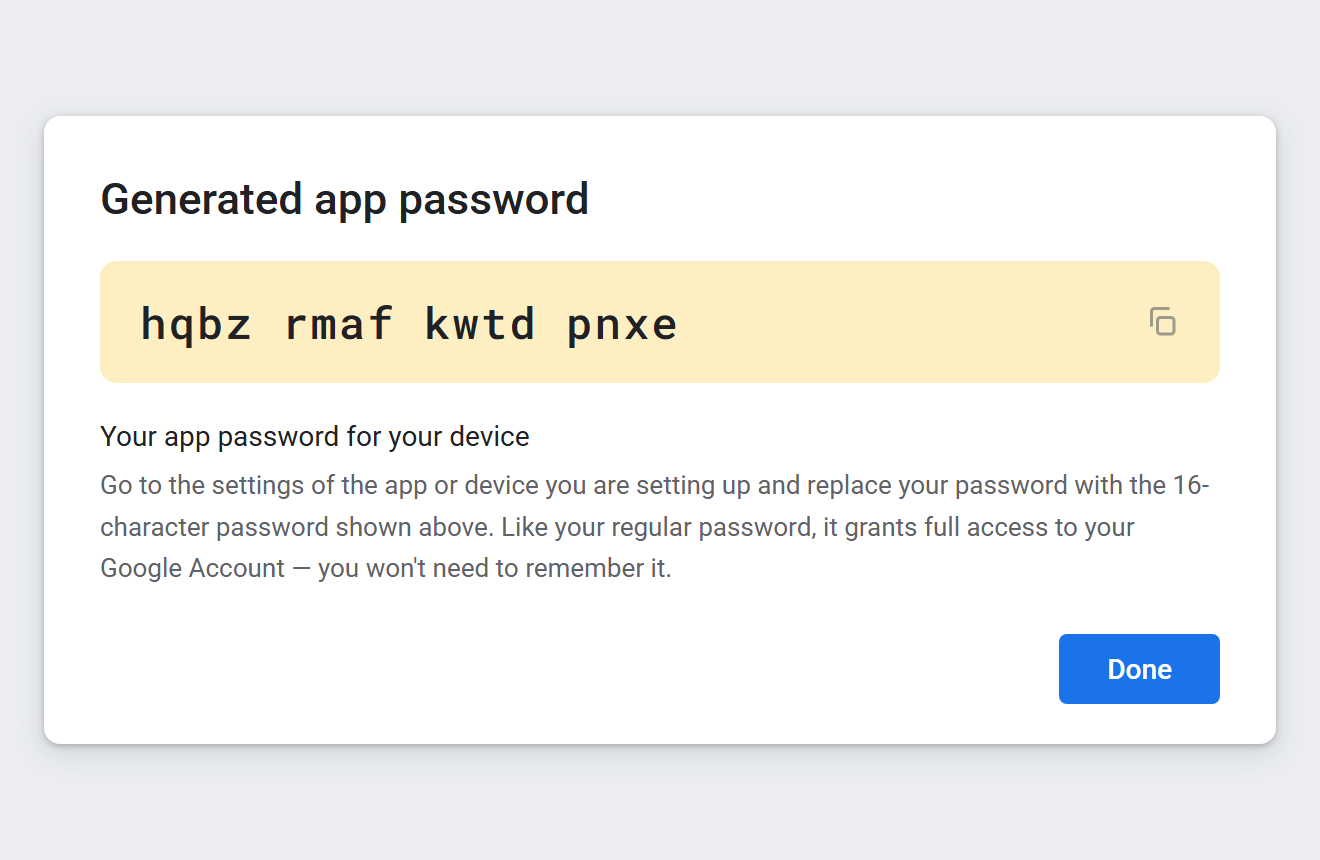
- Open myaccount.google.com/apppasswords,
type a name like
Housekeeping, and click Create. - Google shows a 16-character password. Copy it — you'll paste it in Step 2.
Step 2 — Install the extension
Download and open it
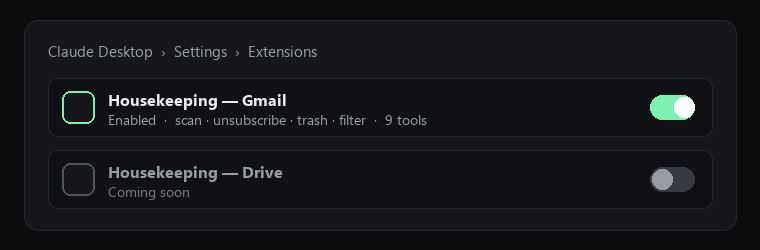
Download the Gmail extension (.mcpb)Open Claude Desktop → Settings → Extensions, drag in the .mcpb (or double-click it),
and click Install. It asks for:
- Gmail address — the mailbox you want to tidy.
- App Password — the 16 characters from Step 1.
- License key — optional. Paste it to unlock applying changes, or leave blank for the free scan and preview (you can add it later in the extension's settings).
Step 3 — Tidy
Ask, preview, approve
Tell Claude to scan your inbox. It ranks the bulk senders and shows a plan — nothing changes until you approve. When you do, it unsubscribes, moves the bulk to Trash (recoverable for 30 days), and remembers those senders so their future mail is cleared on the next run.
Step 4 — Unlock (only to apply changes)
Buy once, paste the key
Scanning, ranking and every preview are free. To let the extension actually unsubscribe and Trash, buy the one-time $5 key. After checkout you get a signed license string — paste it into the extension's License key field. It's verified offline: no account, no phone-home.
Google Drive & disk
Filing Drive by content and cleaning your local disk do OCR and run a local AI model, so they install differently — a one-time local setup rather than a plugin, so your documents stay on your machine. The same $5 key unlocks them. See the Drive & Disk setup guide.